
Why DataGenix
TPA & Claims Management Software Backed by Real-World Experience
DataGenix brings firsthand TPA experience to ClaimScape, its configurable healthcare claims management software for claims and benefits administration.
That experience helps our team understand the administrative work behind a requirement, so conversations can start with how the process needs to operate, not simply which software feature to use.


Claims Administration Experience Keeps the Full Process in View
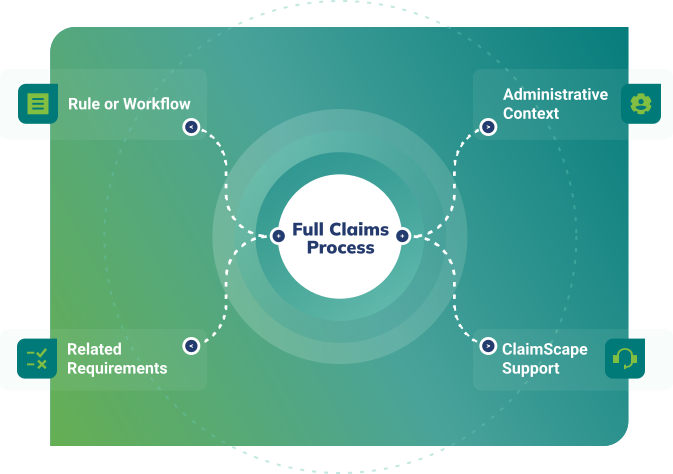
A change to one rule or workflow can affect work later in the claims process. DataGenix evaluates requirements within that broader administrative context instead of treating each one as an isolated software change.
Clients can start by explaining how the work needs to function. From there, DataGenix can determine how ClaimScape should support the process and where related requirements need to be considered.
Compare Claims Management Software Using the Limitations You Already Know
Rather than assuming every legacy or competing platform works the same way, use the limitations of your current environment as the basis for comparison.
If Your Current Environment...
Evaluate This in ClaimScape
-
Makes workflow changes heavily vendor-dependent.
Review the same process in ClaimScape to determine what can be addressed through configuration and where DataGenix involvement would still be required.
-
Turns new reporting questions into vendor requests.
Determine whether authorized users can build and run the reports they need directly in ClaimScape.
-
Depends on systems that need to remain in place.
Review how information needs to move between those systems and which ClaimScape connection method fits the exchange.
-
Requires support before the technical cause of an issue is known.
Discuss the administrative problem as it occurs and how DataGenix would work through the related ClaimScape issue.
-
Cannot pause administration during a platform change.
Review how implementation accounts for active work before cutover and how existing requirements would function in ClaimScape afterward.


More Control Over Claims Workflows and Reporting
Configure ClaimScape Around the Workflow You Need to Run
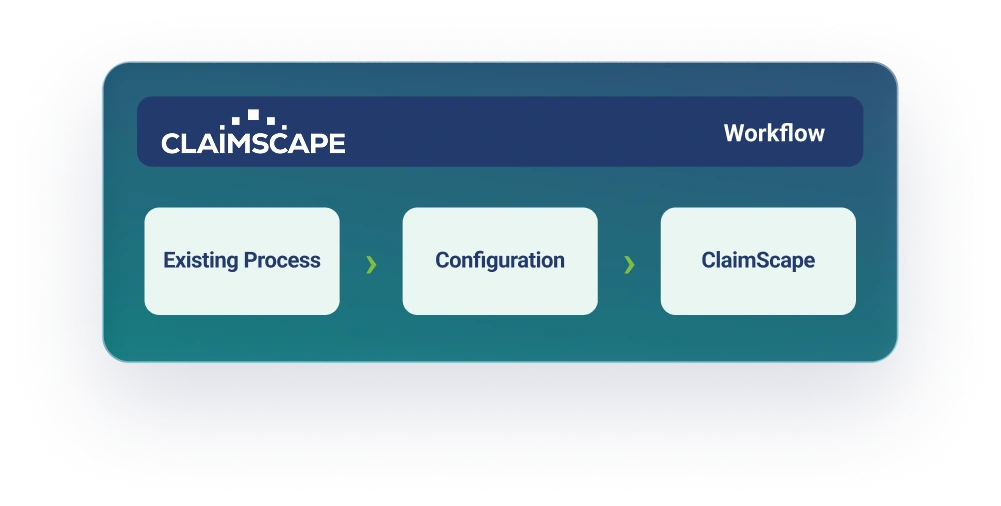
Organizations do not all administer claims and benefits the same way. ClaimScape supports different administrative workflows rather than requiring every client to follow one predefined model.
Bring an existing process into the evaluation, and DataGenix can show how the same work would operate in ClaimScape. Buyers can see what the platform can address through configuration and where DataGenix involvement would still be required.
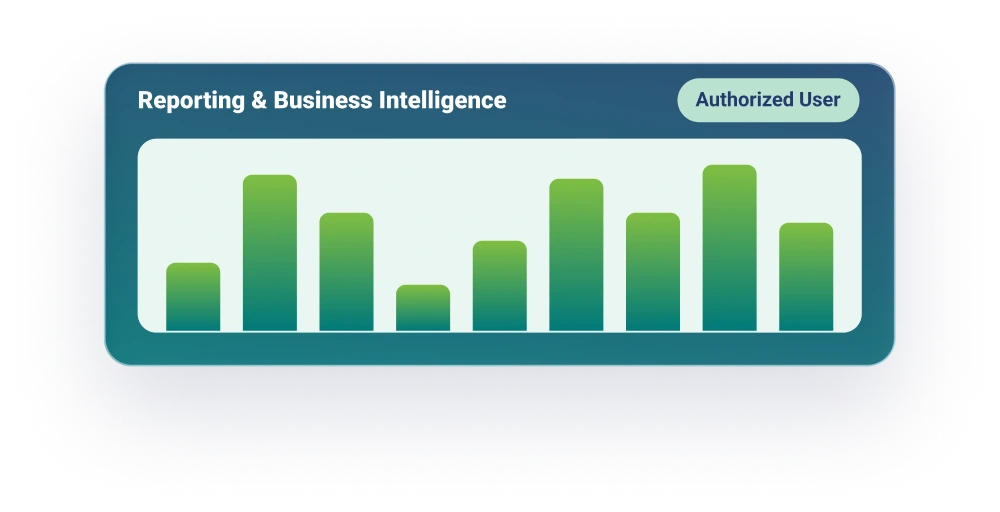
Build Reports Without Turning Every Question into a Vendor Request
Authorized users can create and run reports directly in ClaimScape.
When an existing report raises another question, they can build a different view in the platform rather than submitting a request for DataGenix to create each new report.
For organizations comparing claims management software, that access provides a practical way to evaluate how much reporting work will remain dependent on the software vendor.



Support Starts with the Administrative Problem
When an issue appears in the claims or benefits process, clients may understand what's happening operationally before they know which part of the software is involved.
DataGenix can start with the process as the client experiences it. The team's TPA background provides context for working from the administrative issue toward the related area of ClaimScape that needs attention.
That operational understanding remains part of the relationship after implementation.
Plan the Move While Claims Administration Continues
A platform transition has to account for the work still taking place in the current system.
DataGenix addresses migration while the ClaimScape environment is being defined, allowing existing administrative requirements to be considered before cutover. Implementation planning can then address how those processes will function in ClaimScape while current administration continues until the new environment is ready.
For buyers evaluating new claims processing software, this makes migration part of the platform discussion from the beginning rather than a separate issue addressed later.
Are You Ready for a Platform Change?
Claims Modernization Readiness Checklist
Assess your current operations, technology, organizational readiness, and implementation planning before moving forward with a claims platform change.
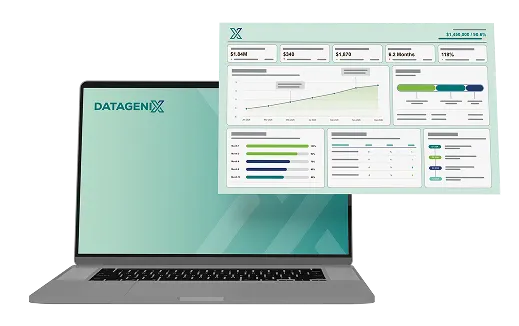
Secure Infrastructure Belongs in a Claims Software Evaluation
Operational fit is only part of evaluating claims management software. Buyers also need approved information they can use to evaluate the infrastructure supporting the platform.
Connect ClaimScape to the Systems You Still Need
Replacing claims processing software does not automatically mean every surrounding system also needs to change. The connection should reflect how information needs to move between ClaimScape and the rest of the environment.
-
When ClaimScape Needs to Exchange Data with Another Application
APIs can support applicable system-to-system connections.
-
When Claim Files Need to Enter ClaimScape
Direct 837 processing is available when that method fits the exchange.
Existing partner connections can also be evaluated against the requirement before replacement is considered.
Frequently Asked Questions
DataGenix brings firsthand TPA experience to the development and support of ClaimScape. Requirements can be discussed in the context of the claims or benefits process they affect, allowing platform decisions to begin with the administrative work rather than a predefined software feature.
ClaimScape supports different administrative workflows instead of requiring every organization to operate within one predefined model. DataGenix can review an existing process and show what can be addressed through configuration as well as where additional involvement would still be required.
Yes. Authorized users can create and run reports directly in ClaimScape. When a new reporting question comes up, users can build another view without depending on DataGenix to create every report.
ClaimScape supports different connection methods based on the exchange required. APIs can support applicable system-to-system connections, while direct 837 processing is available when that method fits the claim-file exchange.
Migration planning begins while the ClaimScape environment is being defined. DataGenix considers how existing administrative requirements will function after the move while accounting for work that needs to continue in the current system until cutover.
Organizations evaluating TPA software should consider how well the platform supports their existing claims and benefits workflows, how configurable it is, how much reporting users can manage directly, how it connects with surrounding systems, and what support is available during and after implementation.
Claims management software should be evaluated against the workflows, reporting requirements, integrations, administrative responsibilities, and support needs of the organization using it. DataGenix encourages buyers to bring real operational requirements into the ClaimScape evaluation.
Test ClaimScape Against Your Current System
Bring a workflow that's difficult to change in your current claims processing software, a reporting need that repeatedly requires vendor involvement, or another administrative requirement you want to evaluate.
DataGenix can walk through how ClaimScape would handle the same requirement, helping you see what the platform can support through configuration and where our team would remain involved.